

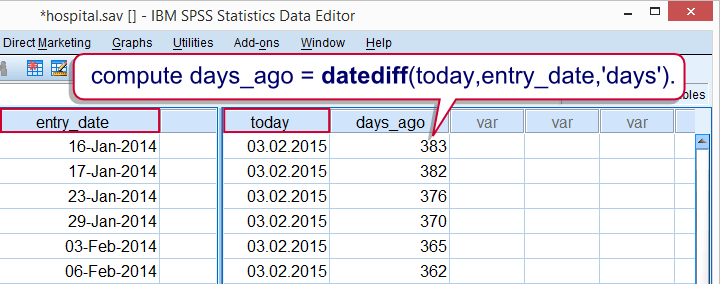

Once you fully realize this, you’ll also realize that SPSS date calculations are just as simple as any other calculations. The main challenge, converting normal dates into numbers of seconds, is taken care of by simple date functions such as DATEDIFF (number of time units such as days between dates) or DATESUM (add time units such as years to some date).
Study the first two tutorials below and you’ll work with SPSS date variables fast, precisely and confidently. Enjoy!