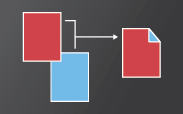
Adobe Reader and Adobe Acrobat let you print double-sided if your printer supports that feature. The printer driver controls the options, not Adobe Acrobat or Adobe Reader. Check your printer documentation to see what features your printer supports. (Double-sided printing is also called duplex, back to back, front and back, or two-sided printing.)


-
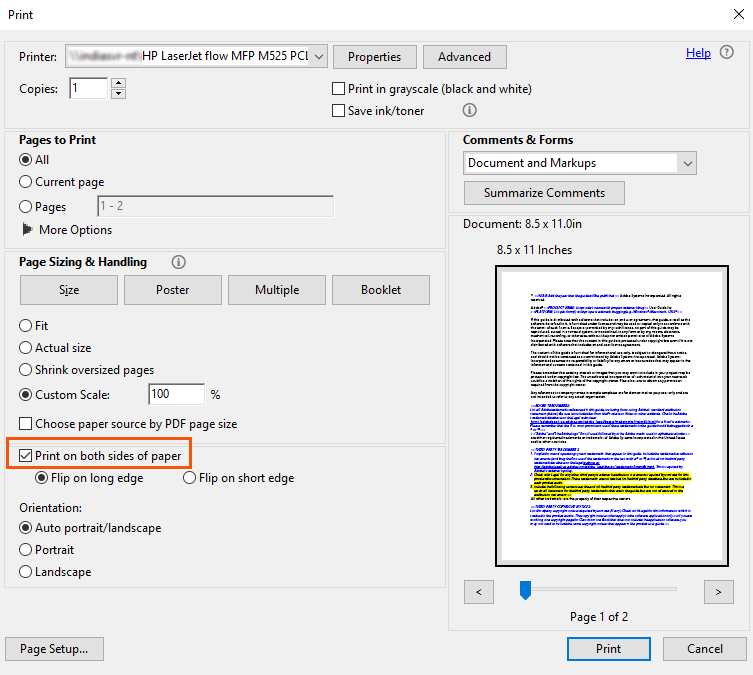
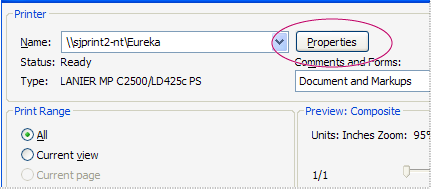
Make a selection from the Print On Both Sides pane. Depending on the printer driver, this pane can be called “Double-sided printing” or a similar name. If you don’t see a Print on Both Sides pane, then your selected printer doesn’t support duplex printing. Or, the feature is turned off (see below Verify that printer features are turned on).

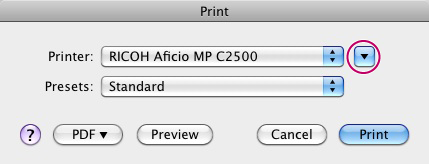
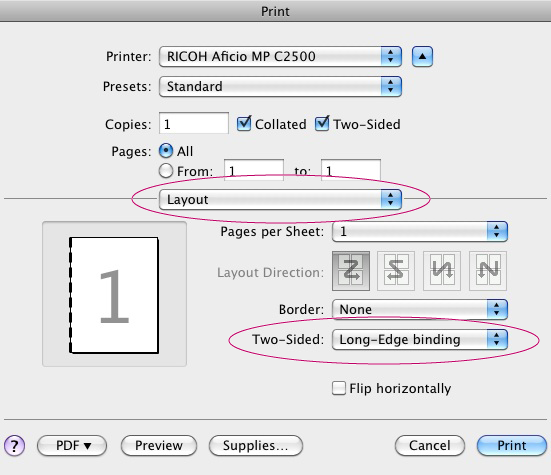
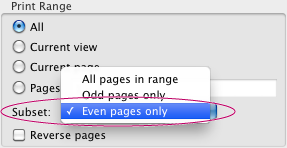
If your printer doesn’t support double-sided printing, you can manually print your document using both sides of the paper. The steps vary depending on the way the printer feeds and outputs the pages. Print a few test pages following the instructions to understand how to feed the pages back into the printer.
Follow these instructions if the printer outputs the pages in numerical order (starting with page one). The pages exit the printer face down (common with laser printers).
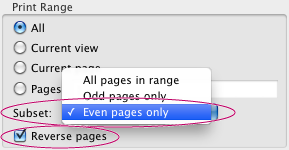

Follow these instructions if the printer outputs the pages in reverse order (last page first). The pages exit the printer face up (common with inkjet printers).