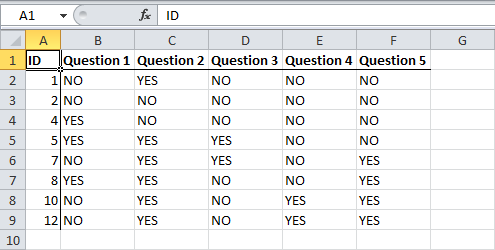
This example teaches you how to delete blank rows or rows that contain blank cells.
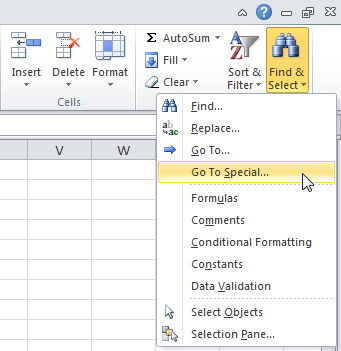
1. On the Home tab, click Find & Select, Go To Special…
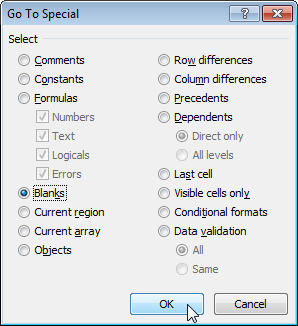
2. Select Blanks and click OK.
Excel selects the blank cells.
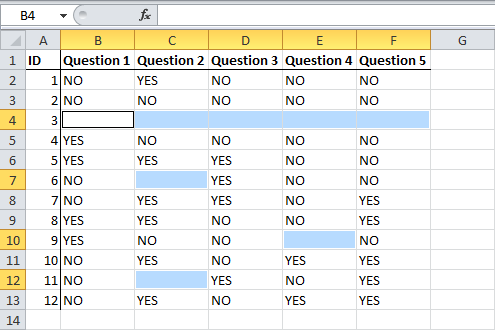
3. On the Home tab, click Delete, Delete Sheet Rows

Result: