Uninstalling Software from Your Windows PC | Learn Computer Basic Skills
If you find that you no longer use an application, you can uninstall the software to remove it from your computer. This is a good way to clear up space on your hard drive and keep your computer free of clutter.
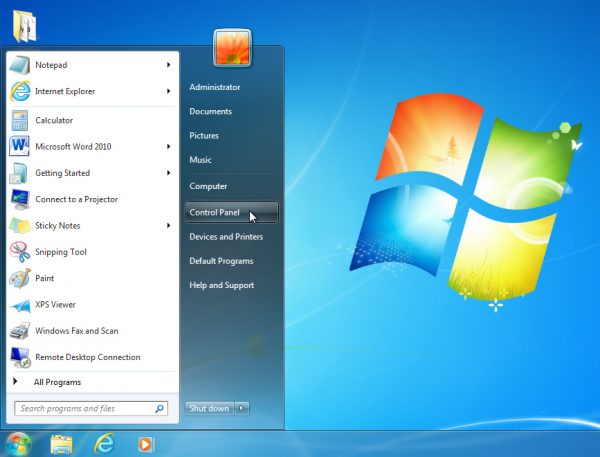
- Open the Control Panel.
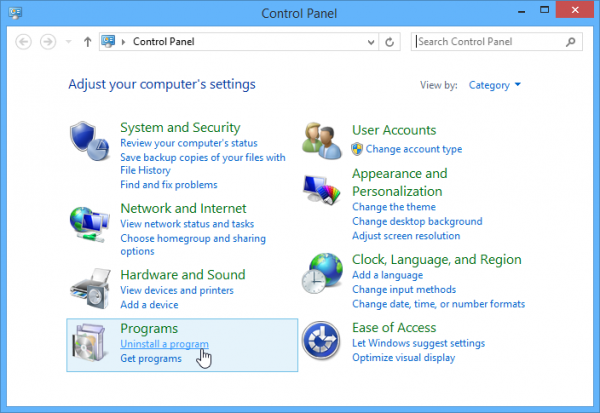
- Select Uninstall a program (in the Programs category).
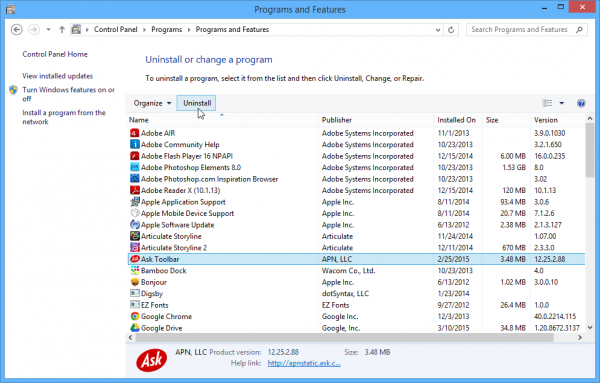
- Select the desired application, then click Uninstall.
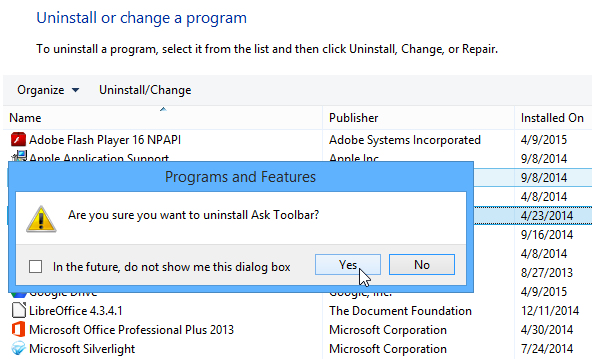
- Confirm the uninstallation.